TL;DR
You can now pin your AI notepad to the side of your screen so your notes stay visible throughout a call.
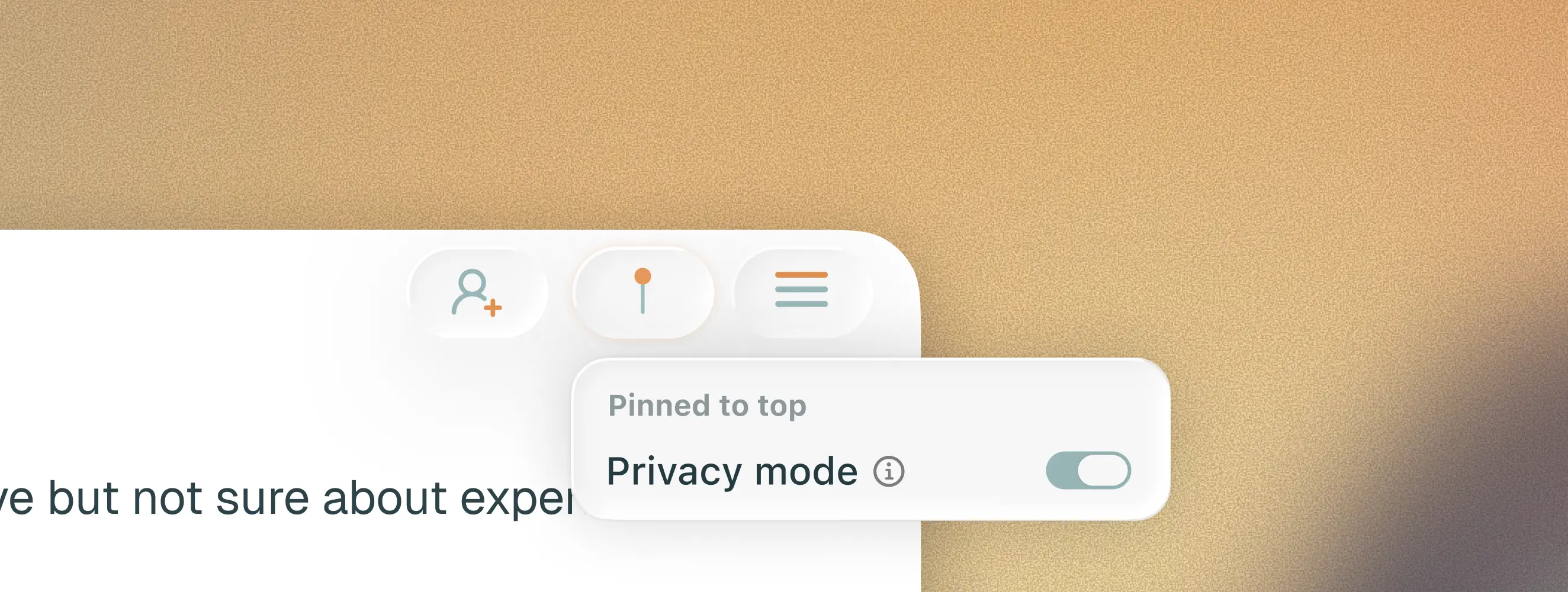
Privacy mode hides pinned notes from screenshare so they're never visible during demos, interviews, or any other shared screen.
One of the first things we heard after launching the AI Notepad was that people wanted their notes visible throughout the call without having to dig around to find them. Fair enough.
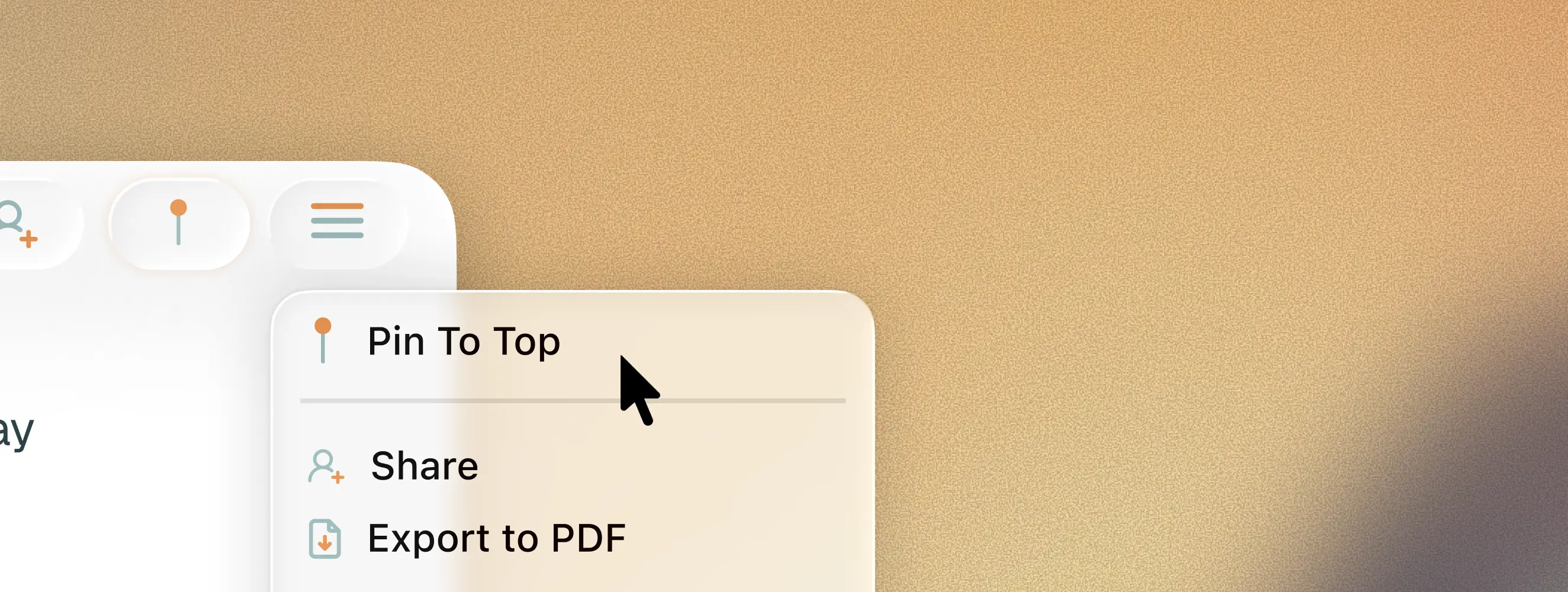
You can now pin any notepad to the side of your screen so it stays on top of your meeting. Your notes are always there. Mid-call, you glance over, scribble something, carry on.
Privacy mode
Almost immediately after shipping pin, we started hearing from users who loved having notes pinned but got nervous about screensharing. If you're running a customer demo or conducting an interview, the last thing you want is your own notes visible to everyone on the call.
So we added privacy mode. One toggle and your pinned notes are hidden from screenshare. You can still see them on your screen, but nobody else can. Turn it off when you're done sharing.
Both features are available now for all users.