

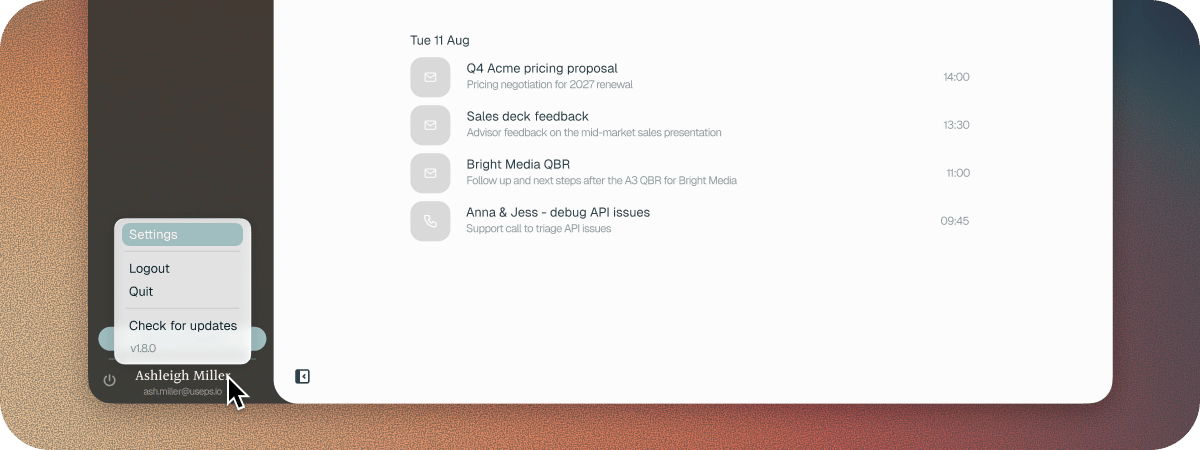
General
- Display name is your full name. Use your first and last name, or the change won’t save.
- Time zone starts as your Mac’s time zone.
- Call language is the language your calls are in. See Call Settings.
- Font size changes the size of text in Soda, on this Mac only. You can also press ⌘ + or ⌘ − in Soda, and ⌘ 0 to reset.
Meeting Settings
- Ignore calls shorter than and Ask me before ignoring short calls keep wrong links and no-shows out of your memory. See Call Settings.
- Quick join meetings sets whether joining a meeting also opens a notepad. See Upcoming meetings and quick join.