

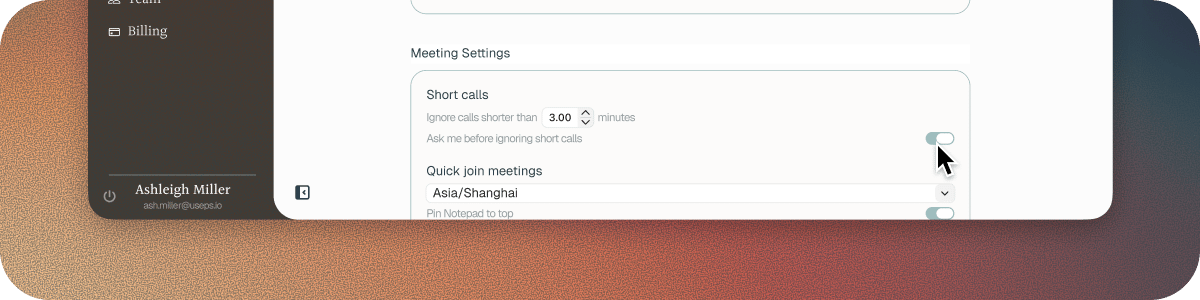
Short calls
A wrong link, someone doesn’t turn up or a sound check doesn’t need to be in your memory. Ignore calls shorter than sets what duration counts as short. It starts at 3 minutes, and you can set it anywhere from 0 to 15. At 0, Soda keeps every call. Ask me before ignoring short calls is on to start with. Soda asks whether to keep each short call. If you don’t answer within 10 minutes, Soda lets the call go. Turn it off and Soda drops short calls without asking.Call language
Choose the language your calls are in from Call language: English, Spanish, French, German, Italian, Portuguese, Mandarin, or Arabic. English is the default, and gives the best results. Soda doesn’t detect the language by itself. If you take a call in a different language, change the setting before the call starts.If a write-up is garbled or in the wrong language
The call language didn’t match what was spoken. Change Call language in Settings > Preferences. It applies from your next call.Next steps
Inbox
Keep or ignore a short call.
Preferences
Every setting for how Soda handles your calls.