

Before your call
Soda opens by itself when you power up and log into your Mac, then waits in the background. When your microphone comes on in a meeting app, like Zoom, Google Meet, Microsoft Teams, or a Slack huddle, Soda knows you’re on a call. The call doesn’t need to be on your calendar, so a last-minute call counts too. See the meeting apps Soda works with.During your call
When the call starts, you’ll see Soda pop up quietly in the bottom-left corner of your screen. That’s your sign Soda is listening. You’ll find other shortcuts are there too, just click the icon.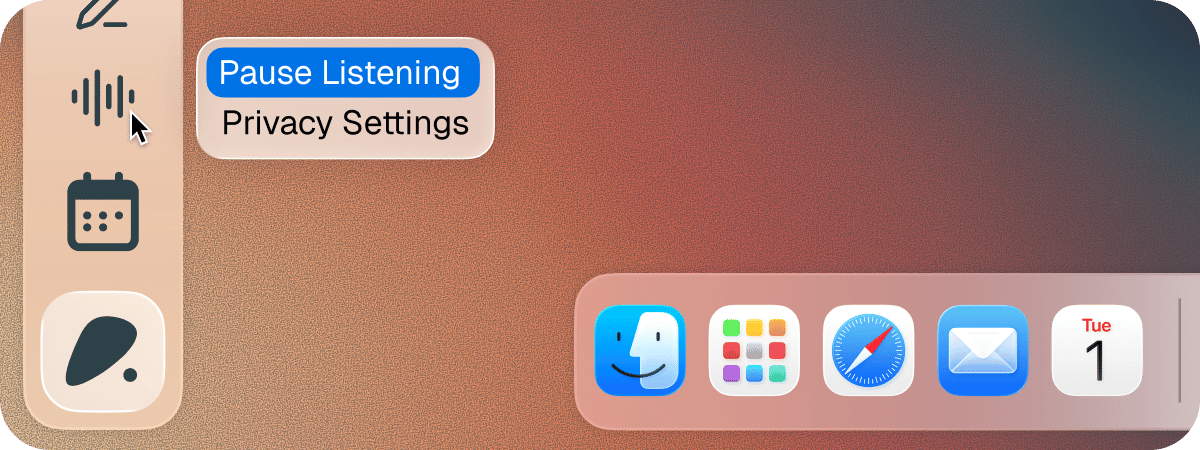
After your call
Your call appears in Memories. Open the memory to see a full write-up, including Summary, Action Items, Decisions, and Key Moments. The real win is what happens to each person’s profile. Soda creates a profile for anyone new you’ve spoken with or automatically updates an existing profile for anyone you’ve spoken with before. There’s nothing to write up and nothing to file. See how memory works.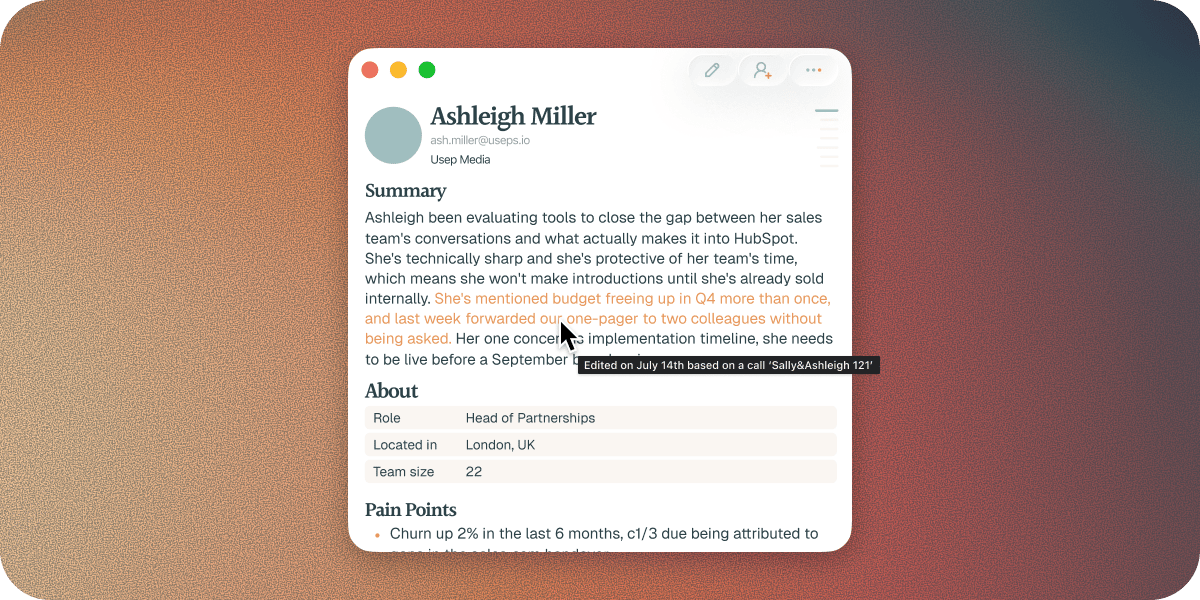
Call settings
You can change how Soda handles your calls, like whether it keeps very short calls, or opens a notepad when you join a meeting from Soda. You’ll find these in Settings > Preferences. See Preferences.Call privacy
You may not want Soda listening to every call app you use. Maybe you take work calls on Google Meet, but personal calls on WhatsApp. You can tell Soda which apps it can listen to, and which it can’t, in Settings > Privacy. See Choose which apps Soda listens to.Questions
What if I opened Soda after my call started?
What if I opened Soda after my call started?
Soda opens by itself when you log in to your Mac, so this is rare. If you open Soda once a call is under way, it may not notice that call until your microphone turns off and on again, for example when you mute and unmute.
What if Soda didn't notice my call?
What if Soda didn't notice my call?
Check that you used a meeting app Soda works with, and that Soda’s permissions are turned on. For more help, see A call wasn’t captured.
What if the write-up only has my side of the call?
What if the write-up only has my side of the call?
Soda heard you but not the other people on the call. This is usually down to a Mac permission. See Soda only heard me, not the other person.
Next steps
Draft your first follow-up email
Turn the call into a follow-up in your own writing style.
Search with ⌘⌘
Ask Soda about your call, or anyone you’ve spoken with.