

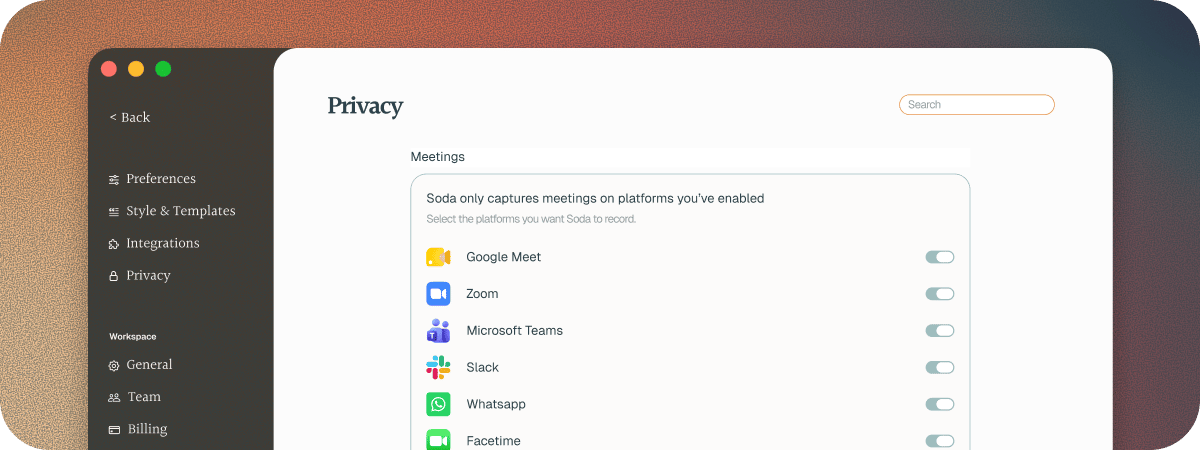
- Zoom, in the app or your browser
- Google Meet, in your browser
- Microsoft Teams, in the app or your browser
- Slack huddles, in the app or your browser
- FaceTime
Phone calls and in-person meetings
Soda doesn’t hear phone calls on your iPhone yet, or meetings in a room with no call app. It’s one of our most requested features, and it’s on our roadmap.If Soda didn’t notice a call
See the questions at the end of Your first call.Next steps
Choose which apps Soda listens to
Turn off the apps you’d rather Soda didn’t hear.
Pause Soda during a call
Stop listening for a moment, then pick up again.